
Tired of the endless grind for scraps and gear? Ready to build that epic fortress you've been dreaming of, or maybe just cause a little chaos with the rarest weapons in Unturned? You're in luck. This guide will show you exactly how to tap into the game's built-in cheat codes for unturned, turning your single-player or private server into the ultimate creative sandbox.
Unlock Your Ultimate Unturned Sandbox
If you want to step outside the bounds of the normal survival grind, you've come to the right place. Using cheat codes in Unturned isn't about "breaking" the game; it’s about unlocking its full potential and making it your own. Think of it as being handed the keys to a massive workshop where you can instantly spawn high-tier loot, build incredible structures without scavenging for a single log, or just mess around with friends in a totally custom scenario.
This is how you really learn the ropes. You can freely experiment with weapon mods, test base designs against zombie hordes you spawn yourself, and get a feel for the map without constantly looking over your shoulder. It’s the perfect way to master the game's systems or just kick back for a more creative session.
Why Use Cheat Codes in Unturned?
Let's be real—the "cheat" label can be a bit misleading. For most of us, this is about making the game more fun, not less. With a few simple commands, you can:
- Experiment Freely: Want to see how a specific scope works on a Zubeknakov? Or test how many grenades it takes to topple a brick wall? Now you can, without spending hours looting.
- Learn the Game Faster: New to the game? This is your fast track. You can get familiar with all the items, vehicles, and map locations in a totally safe environment.
- Create Custom Scenarios: Ever wanted to set up a massive battle royale with friends on a private server? Or maybe a zombie apocalypse with unlimited ammo? Go for it.
- Skip the Grind: Sometimes you just don't have time for the looting phase. You just want to get straight to building that dream base or having an all-out firefight.
Using the game's console commands in single-player or on your own server is an intended feature. It’s designed to give you the freedom to customize your gameplay and make Unturned endlessly replayable.
A Legacy of Player Freedom
The ability to use console commands has been part of Unturned's DNA since the beginning. When it first hit Steam back in 2014, its simple, accessible cheat system was a huge draw. The game exploded in popularity, racking up over 24 million downloads by mid-2016, and a huge chunk of that player base was diving into single-player to experiment.
In fact, game stats revealed that around 65% of players had unlocked "Cheater" related achievements by spawning legendary items. It just goes to show how many people love this playstyle. You can read more about the history of Unturned cheats and how they've shaped the community.
To get you started right away, here’s a quick-start table with the most essential commands you'll be using.
Quick-Start Unturned Cheat Commands
This table covers the absolute must-know commands. With just these four, you can give yourself any item, vehicle, or experience points you need to get your sandbox world rolling.
| Command Syntax | Description | Example Usage |
|---|---|---|
| @give [player] / [item id] / [amount] | Spawns a specific item in your inventory. | @give Nelson/132/1 gives you a Zubeknakov. |
| @vehicle [player] / [vehicle id] | Spawns a vehicle right in front of you. | @vehicle Nelson/81 spawns a red APC. |
| @experience [player] / [amount] | Grants a specified amount of experience points. | @experience Nelson/1000 gives you 1,000 XP. |
| @teleport [player] / [location or player] | Instantly moves you to a named location or another player. | @teleport Nelson/Charlottetown teleports you. |
Memorize these, and you'll have the foundation for doing just about anything you want in the game. Now, let's get into the specifics of how to enable and use them.
How to Flip the Switch on Cheats
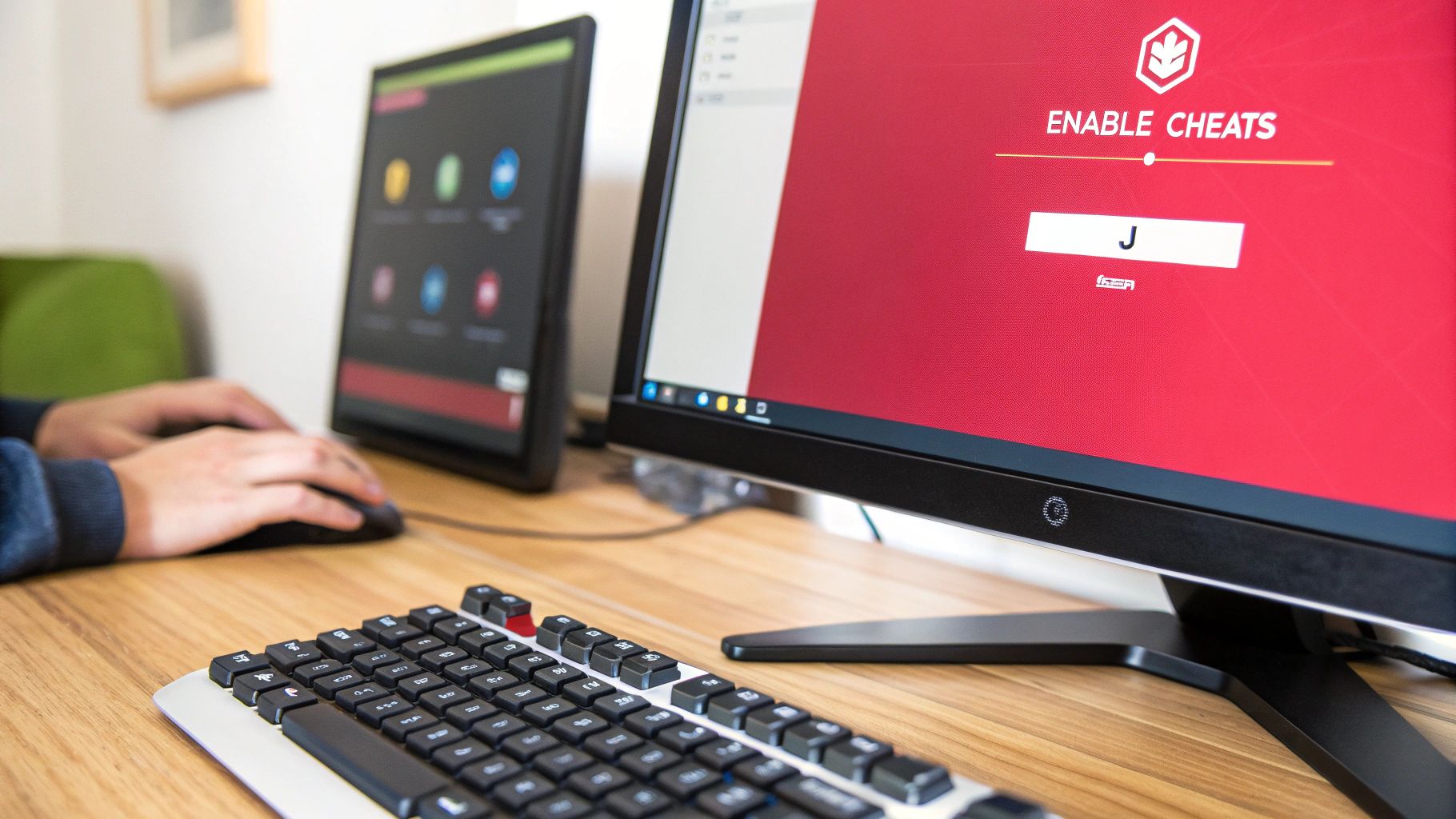
Before you can start spawning military-grade loot or calling in airdrops on a whim, you need to tell the game you want to play by your own rules. Luckily, enabling cheats is super simple, whether you're just messing around by yourself or hosting a server for you and your friends.
For a single-player game, it’s literally just checking a box. When you go to create a new world or load up a saved one, you'll see a setting labeled "Cheats" right there in the options. Just tick that box, load in, and you're good to go.
Enabling this one little option opens up a massive sandbox. It's the perfect way to learn the ropes of a new map, test out different weapon combinations, or figure out the weird physics of base building without having to worry about zombies or other players. It's a game-changer for new and old players alike.
Activating Cheats on Your Multiplayer Server
Things work a little differently if you're the one running a server for your friends, but it's still a piece of cake. The key is to grant yourself administrator privileges, which is what lets your account use cheat commands. You'll just need to edit one little server file.
Here’s how you do it:
- Shut your server down first. Never, ever edit server files while it's running.
- Next, navigate to your server's folder and find the
Commands.datfile. The path usually looks something likeServer/YourServerName/Commands.dat. - Pop that file open with any text editor (like Notepad) and type in
owner [YourSteamID64], replacing the bracketed part with your own ID. If you don't know it, just search for a "SteamID Finder" online—it'll pull it right up from your profile URL. - Save the file, close it, and fire your server back up. Congrats, you're now the admin.
This method is completely intended by the game's developers, so don't feel like you're breaking anything. It's all about giving you a controlled space to customize the experience for you and your friends.
Bringing Up the Command Console
Okay, so cheats are enabled. Now what? You need to actually tell the game what you want to do, and for that, you need the command console. This is your magic window for spawning gear, teleporting, and changing the world around you.
Just hit the J key on your keyboard. This will open up a chat box. To enter a command, you always start with the @ symbol. For instance, typing @day and pressing Enter will immediately set the in-game time to day. Easy as that. Get used to this little box—it's about to become your best friend.
Getting to Grips with the Most Powerful Commands

Alright, now that you've got cheats enabled, we can get to the fun stuff—the commands that blow the game wide open. Think of the console as your personal sandbox toolkit. Learning just a handful of these commands will totally change the way you build, fight, and mess around in the world.
Out of all the commands available, two stand out as the absolute essentials: @give and @vehicle. These are your golden tickets to instantly spawning any item or vehicle in the game, right at your feet. Say goodbye to spending hours looting a town just for a decent backpack or that one last wheel for a busted car.
The @give Command: Your Personal Airdrop
There's a good reason the @give command is probably the most-used cheat in the game. It lets you drop any item directly into your inventory, as long as you know its ID number. The format is super straightforward: @give [YourName]/[ItemID]/[Amount].
Let's say you just spawned into a new server and want to skip the whole "punching a tree for wood" phase. You could just give yourself a Chainsaw (ID 490) and get to work. Or maybe you want to try out a top-tier sniper rifle without the hassle of finding it. Just type @give Nelson/18/1, and a Timberwolf is all yours. It’s that simple.
- Want a solid assault rifle? Try
@give Nelson/363/1for a Maplestrike. - Need to patch yourself up? Use
@give Nelson/393/2for a couple of Dressings. - Building a fortress? Get a bunch of logs with
@give Nelson/31/10.
The real game-changer is when you start stringing these commands together. In less than a minute, you can spawn a high-end rifle, a few magazines for it, a full stack of ammo, and all the best attachments. No looting required.
This has been a huge part of the game's culture for years. In fact, data shows that over 40% of the game's 650+ item IDs have been tied to weapons and gear spawned in by players using cheats. It's no surprise that community favorites like the Eaglefire (ID 4), Heartbreaker (ID 1037), and the legendary Timberwolf (ID 18) are always at the top of the list. You can dig through all the item IDs on the Unturned Hub's item database.
Spawning Your Dream Ride with @vehicle
Just as useful is the @vehicle command. As you'd guess, it drops any vehicle right in front of you. Sick of trekking across the map on foot? Spawn a slick sports car with @vehicle Nelson/84. If you need something with a little more firepower for a zombie-infested town, an APC (@vehicle Nelson/81) will do the job nicely.
But your power doesn't stop at just items and vehicles. You can manipulate the world itself. Use @day or @night to flip the time instantly. Stuck in a ditch or trying to link up with a buddy? The @teleport command can zap you across the map in a second. And if you want to bypass the grind, @experience gives you all the points you need to max out your skills right away.
Your Go-To Unturned Item ID Cheat Sheet

Let's be real, the @give command is your best friend when messing around in Unturned, but it's pretty useless if you don't know the item IDs. Nobody has the time to memorize hundreds of random numbers, which is why a good cheat sheet is a must-have for anyone serious about sandbox mode.
I've put together a quick-reference list of the most popular and useful gear in the game. It’s all broken down into simple categories so you can grab what you need and get back to the action.
Whether you're setting up a massive zombie showdown for your friends or just want to try out a ridiculous weapon combination, having these IDs on hand is a total game-changer. You can instantly spawn in the best weapons, must-have survival gear, and endless building supplies.
Essential Weapons and Ammo
First things first: firepower. Grabbing a solid gun is usually priority number one. Here are the IDs for some of the most popular firearms, from versatile assault rifles to powerful snipers. Just don't forget to spawn the right magazine for them!
- Maplestrike (Assault Rifle): 363
- Military Magazine (for Maplestrike): 6
- Military Drum (100 rounds): 17
- Timberwolf (Sniper Rifle): 18
- Timberwolf Magazine: 20
- Zubeknakov (Assault Rifle): 122
- Zubeknakov Magazine: 123
- Heartbreaker (Assault Rifle): 1037
- Heartbreaker Magazine: 1039
Survival and Medical Supplies
A big gun won't save you if you're bleeding out or starving. These items are the bread and butter of survival, helping you carry more loot, patch up wounds, and stay on your feet. The Alicepack is a classic for a reason—that storage space is massive.
Being able to spawn dressings and splints on the fly is perfect for testing things out. You can experiment with fall damage or crazy combat situations without the frustrating downtime of healing or corpse-running every time you make a mistake.
Here are the IDs you'll find yourself using all the time:
- Alicepack (Backpack): 253
- Dressing (Medical): 393
- Splint (Medical): 394
- Canteen (Water): 337
- MRE (Food): 81
Building and Crafting Materials
For all you creative builders out there, spawning materials directly is the only way to go. Forget spending hours chopping down forests—just give yourself a stack of logs and start building that dream fortress. You can even spawn a generator to get the lights on.
- Log: 31 (Pine), 41 (Birch), 1259 (Maple)
- Scrap Metal: 67
- Generator: 458
- Blowtorch: 76
To make things even easier, here's a quick table with some of the most frequently requested item and vehicle codes all in one place.
Popular Unturned Item and Vehicle IDs
| Category | Item/Vehicle Name | ID |
|---|---|---|
| Assault Rifle | Maplestrike | 363 |
| Sniper Rifle | Timberwolf | 18 |
| Melee | Chainsaw | 490 |
| Backpack | Alicepack | 253 |
| Medical | Dressing | 393 |
| Food | MRE | 81 |
| Building | Pine Log | 31 |
| Utility | Generator | 458 |
| Off-road Car | Offroader | 4 |
| Helicopter | Huey | 106 |
| Boat | Runabout | 98 |
With these lists, you're pretty much set to spawn anything you could possibly need. I'd recommend bookmarking this page so you always have these cheat codes for unturned handy for your next server session.
Playing Smart with Cheats
Look, using cheat codes for unturned is all about cranking up the fun factor. It's a choice with different outcomes—you get some fantastic perks, but there are a couple of things to be aware of. The biggest win is the sheer creative freedom. You can completely bypass the grind of gathering resources for hours on end, instantly test out any weird game mechanic you're curious about, or just build some wild scenarios that would be impossible in a regular playthrough.
It’s a great way to learn the ropes of the game at your own pace or just kick back and enjoy a more sandbox-style experience. The real key is just understanding where and how you use them.
Know Your Playground
When you're using cheats, the server environment is everything. Think of it this way: the console commands that come with the game are basically developer tools. If you're the admin on your own private server or just messing around in a single-player world, using them is 100% safe and even intended. You're the director of your own movie, and you call the shots.
Things get a little different on public servers. Using third-party cheat software from a site like abcheats.com on someone else's server is a whole other ball game. You might be spotted by anti-cheat software, but these tools can also open up a style of play and efficiency that console commands just can't touch, letting you really compete or just supercharge your progress.
The smartest way to go is to stick with the built-in console commands in your own single-player game or on a private server where you and your buddies have set the rules. This gives you all the creative power with none of the potential complications.
The Bottom Line on Fun
At the end of the day, this is all about making the game more enjoyable for you. Maybe that means building a massive, impenetrable fortress with infinite materials in your single-player world. Or maybe it means trying out more advanced tools in a competitive space. The choice is yours, and both can add a new layer to the game.
By keeping the command-line fun to your own private worlds, you guarantee a smooth time. This lets you really explore what cheat codes for unturned can do, making the game feel fresh and endlessly replayable. It’s all about crafting the perfect Unturned experience that you want to have.
Common Questions About Unturned Cheats
Jumping into the world of Unturned cheats and console commands always stirs up a few questions. Let's tackle some of the most common ones that pop up when players start digging into the game's more powerful features.
Can I Get Banned for Using Cheat Codes in Unturned?
This is the big one, and the answer is all about where you're playing. Using cheats is not illegal.
If you're in your own single-player world or you're the admin on a private server with friends, you're perfectly safe. The console commands we've been talking about are built right into the game by the developer. They're there for you to use, giving you total control over your sandbox. Go nuts!
Things are a bit different on public multiplayer servers you don't own. On these, using external cheat software may be against the rules and could get you flagged by anti-cheat systems like BattlEye. Of course, using those tools can also give you a massive edge and crank up the excitement in a competitive fight.
The bottom line: know your playground. Built-in console commands are your safe-to-use toolkit for private games. On public servers, make sure you understand the rules of the server before deciding which tools you want to use.
Where Can I Find a Complete List of All Unturned Item IDs?
Our cheat sheet is a great starting point, but Unturned has an absolutely massive list of items, and new ones get added all the time. For a full, always-updated list, your best friends are the community-run wikis.
Sites like the official Unturned Fandom Wiki or UnturnedHub are goldmines. They're run by players who live and breathe this game, so they’re constantly updated. You can find the ID for literally anything, from a handful of MREs to the latest military-grade rifle, in just a few seconds.
I'd recommend bookmarking one of these for a few reasons:
- They're always current. When a new update drops, the new item IDs are usually on the wiki within hours.
- Searching is a breeze. No more endless scrolling. Just type what you're looking for.
- They offer more than just IDs. You'll often find handy info like crafting recipes or how an item is best used.
Do Unturned Cheat Codes Work on Xbox and PlayStation?
Unfortunately, no. The cheat codes for Unturned and the whole console command system we've covered are exclusive to the PC version on Steam.
The console versions for Xbox and PlayStation are different builds of the game and just don't have that text-based command console. You can't just hit 'J' and start typing @give or @vehicle like you can on a PC. This guide is really for the PC crowd, where the game offers the most freedom for admin control and customization.
How Do I Give Myself Admin on My Unturned Server?
If you're hosting your own multiplayer server, you'll need to give yourself admin privileges before any of the fun cheat commands will work. It's a simple but absolutely critical step.
First, shut down your server completely. Then, navigate to your server's main folder, which is usually found at a path like Server > YourServerName. Inside that folder, you're looking for a file called Commands.dat.
Open Commands.dat with a basic text editor (Notepad works perfectly). On a fresh line, type owner [YourSteamID64]. You have to replace [YourSteamID64] with your actual 17-digit Steam ID. If you don't know it off the top of your head, just search online for a "SteamID64 finder" — you can usually find it just by entering your profile name.
Save the file, fire your server back up, and you're good to go. You'll now have full admin powers and can use all the commands right from the in-game chat.
For anyone looking to check out a huge collection of reliable and up-to-date tools for Unturned and other popular games, take a look at ABCheats. You can find what you need over at https://abcheats.com.