
Serenity Cheat
More Images

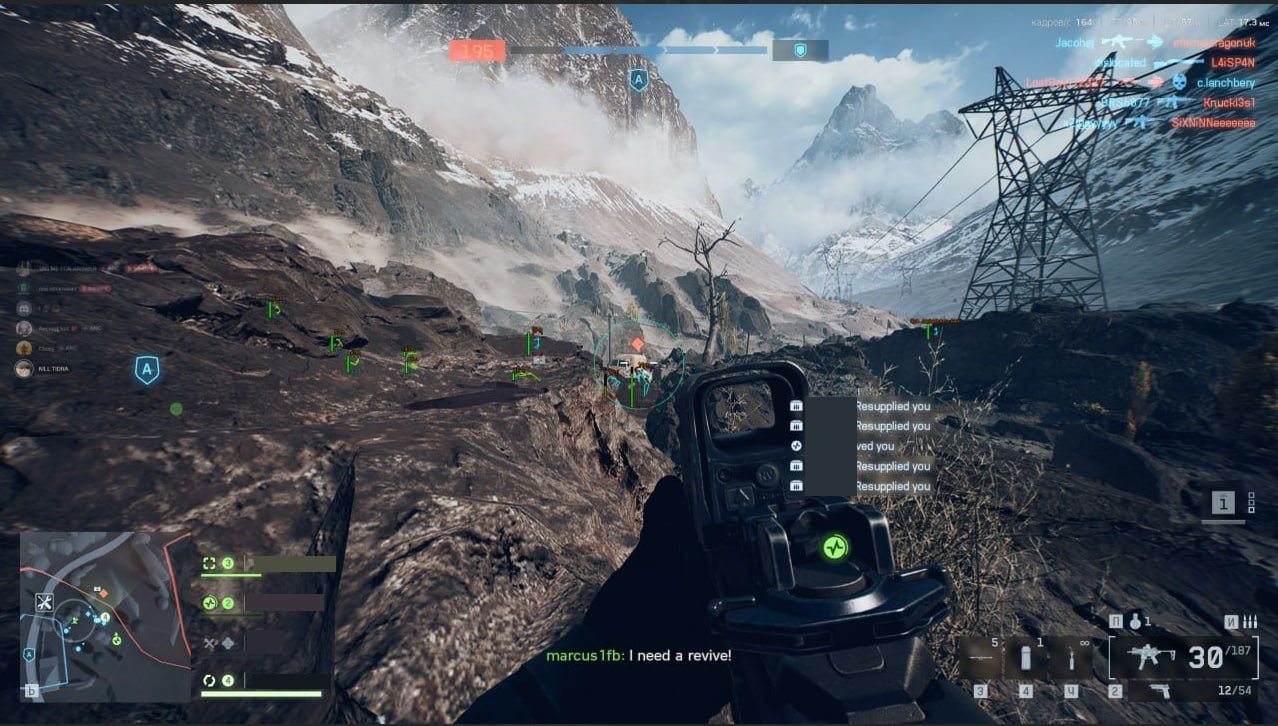
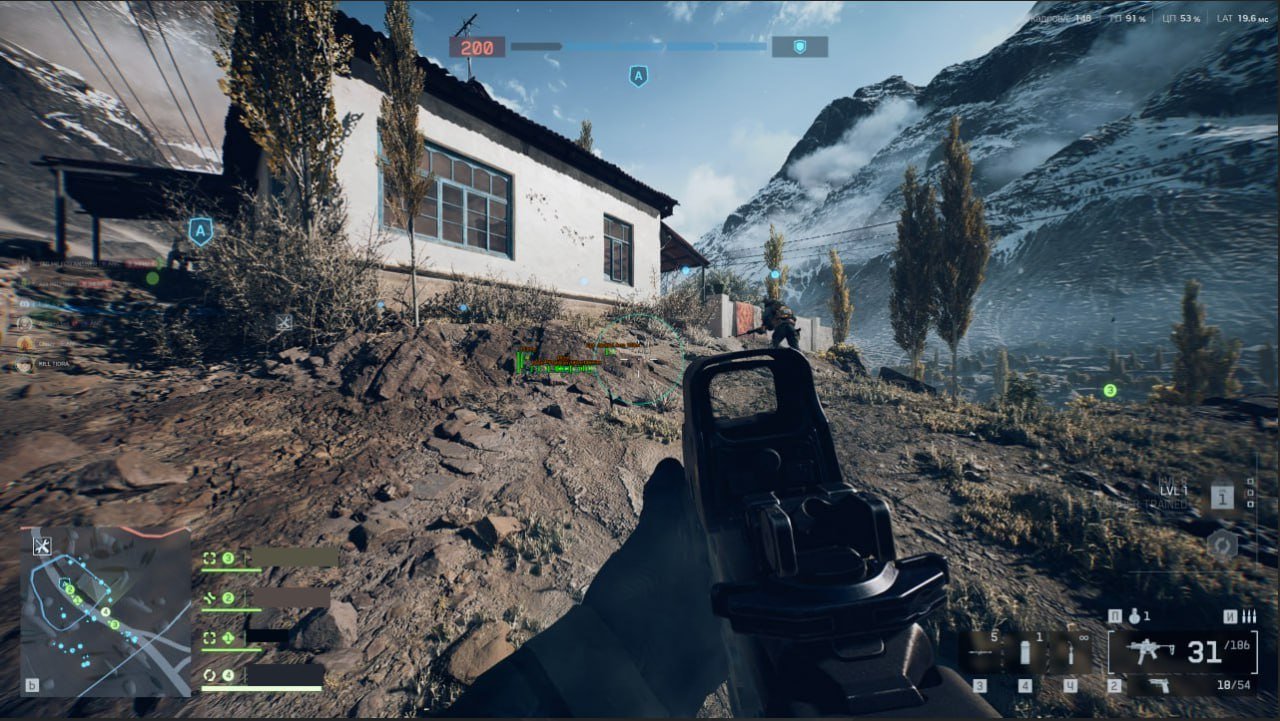
Serenity Cheat
-
UpdatingWindows 10 & 11Spoofer Included
- Instant Delivery
$4.99
-
Info
- Supported CPU: Intel + AMD
- Supported Windows Version: 10 - 11
- Built in Spoofer: Yes
-
-
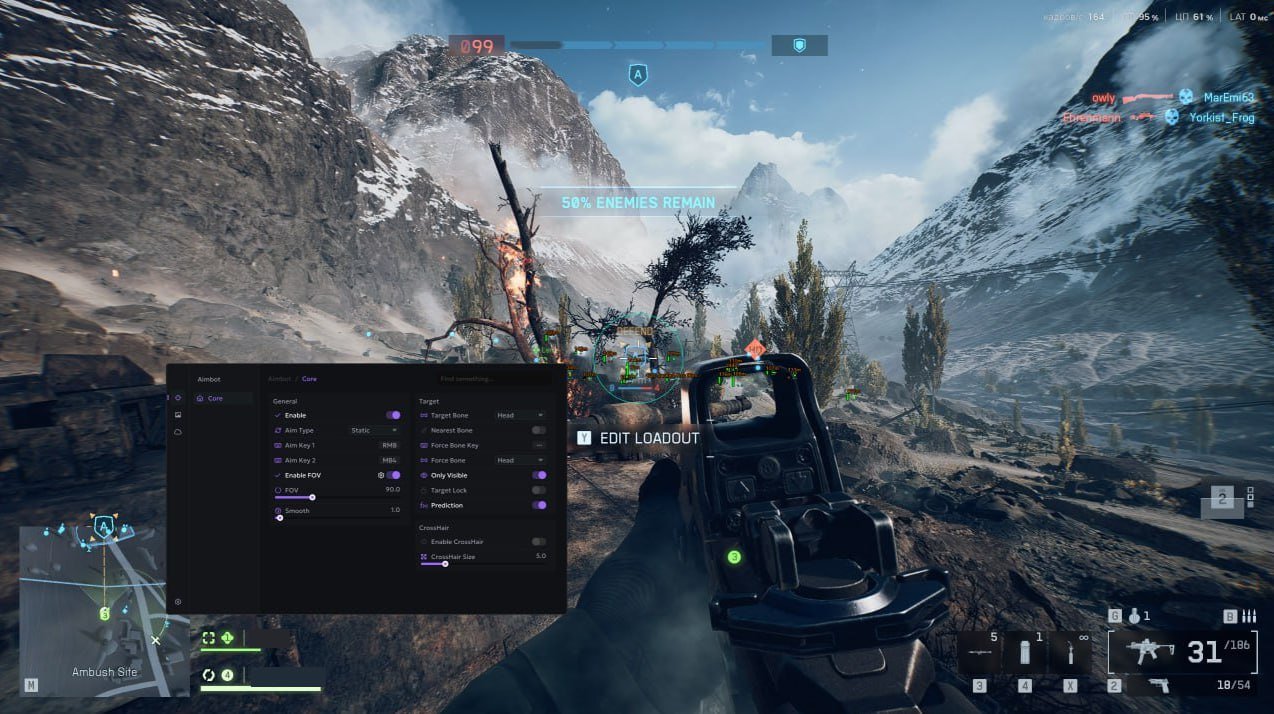
AIMBOT
General controls, targeting & crosshair
- General Settings
- Enable: Turns the aimbot on or off instantly.
- FOV Radius: Adjustable circle size (in degrees) for the aimbot’s active area.
- Enable FOV: Restricts aiming to targets within a chosen field of view.
- Aim Key 1 / Aim Key 2: Assign up to two hotkeys for activating the aimbot.
- Smooth Radius: Controls how naturally the aim moves toward targets.
- Targeting Options
- Force Bones List: Head, Neck, Body, Pelvis (used with Force Bone Key).
- Nearest Bone: Automatically locks to the closest bone to your crosshair.
- Only Visible: Locks only visible enemies (no wall aiming).
- Target Bone: Choose Head / Neck / Body / Pelvis.
- Force Bone Key: Switch targeting to a specific bone instantly.
- Prediction: Accounts for movement and bullet travel for long-range hits.
- Target Lock: Keeps aim on the same enemy until eliminated or out of range.
- Crosshair Settings
- Crosshair Size: Adjust on-screen crosshair dimensions.
- Enable Crosshair: Toggle a customizable crosshair overlay.
-
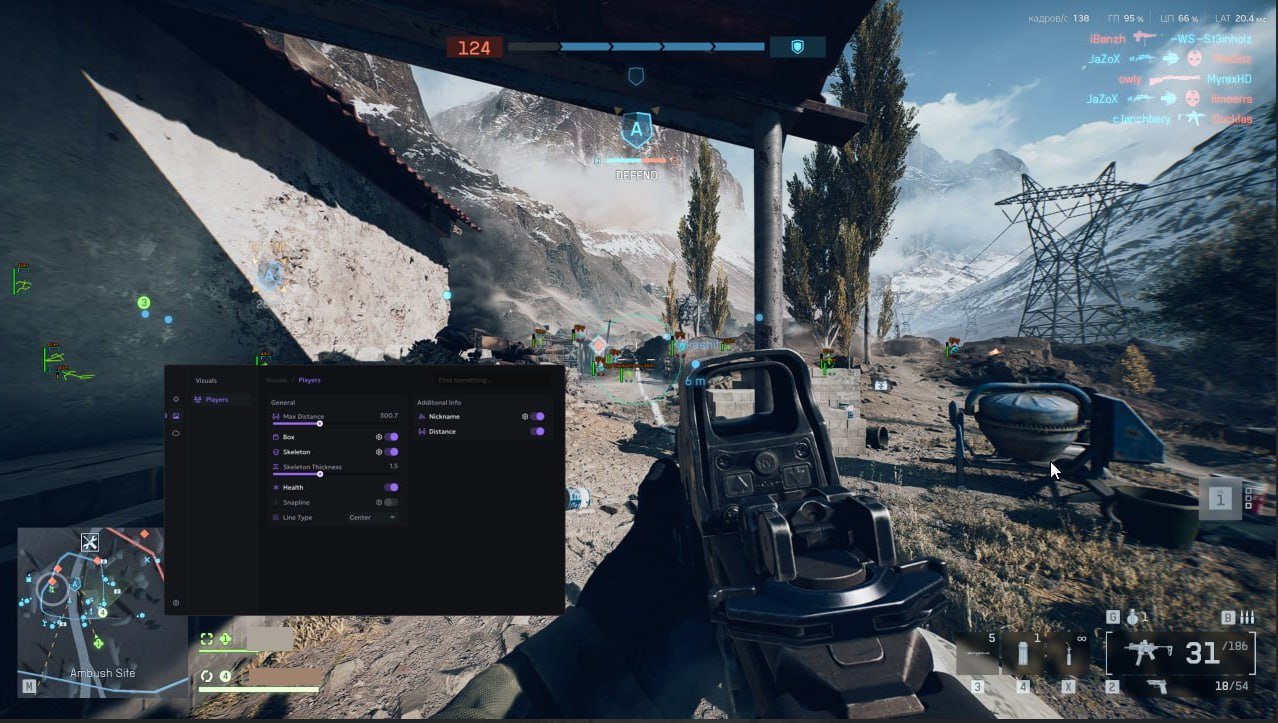
ESP
Boxes, skeletons & info labels
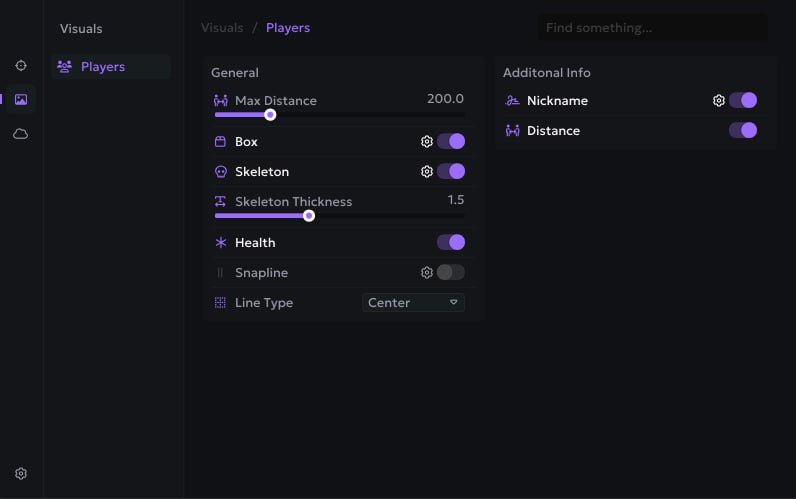
- General ESP Settings
- Box ESP: Draws 2D boxes around enemies.
- Max Distance: Limit target render distance.
- Health Bar: Side/top health visualization.
- Skeleton Thickness: Line width for skeletons.
- Snapline: Line from crosshair or screen edge to target.
- Skeleton ESP: Shows enemy bone structure.
- Additional Information Display
- Nickname: Show in-game name.
- Distance: Show range to target (meters).
-
SETTINGS & CONFIGURATION
Profiles & sharing
- Load Config
- Delete Config
- Add Config
- Share Config
- Save Config
-